Bird Identification Guide
Best App for Identifying Birdsong: Orniqa and Alternatives
app for identifying birdsong: Compare bird sound identification apps by what they do, what they cost, and where they fall short. See which option fits your fiel
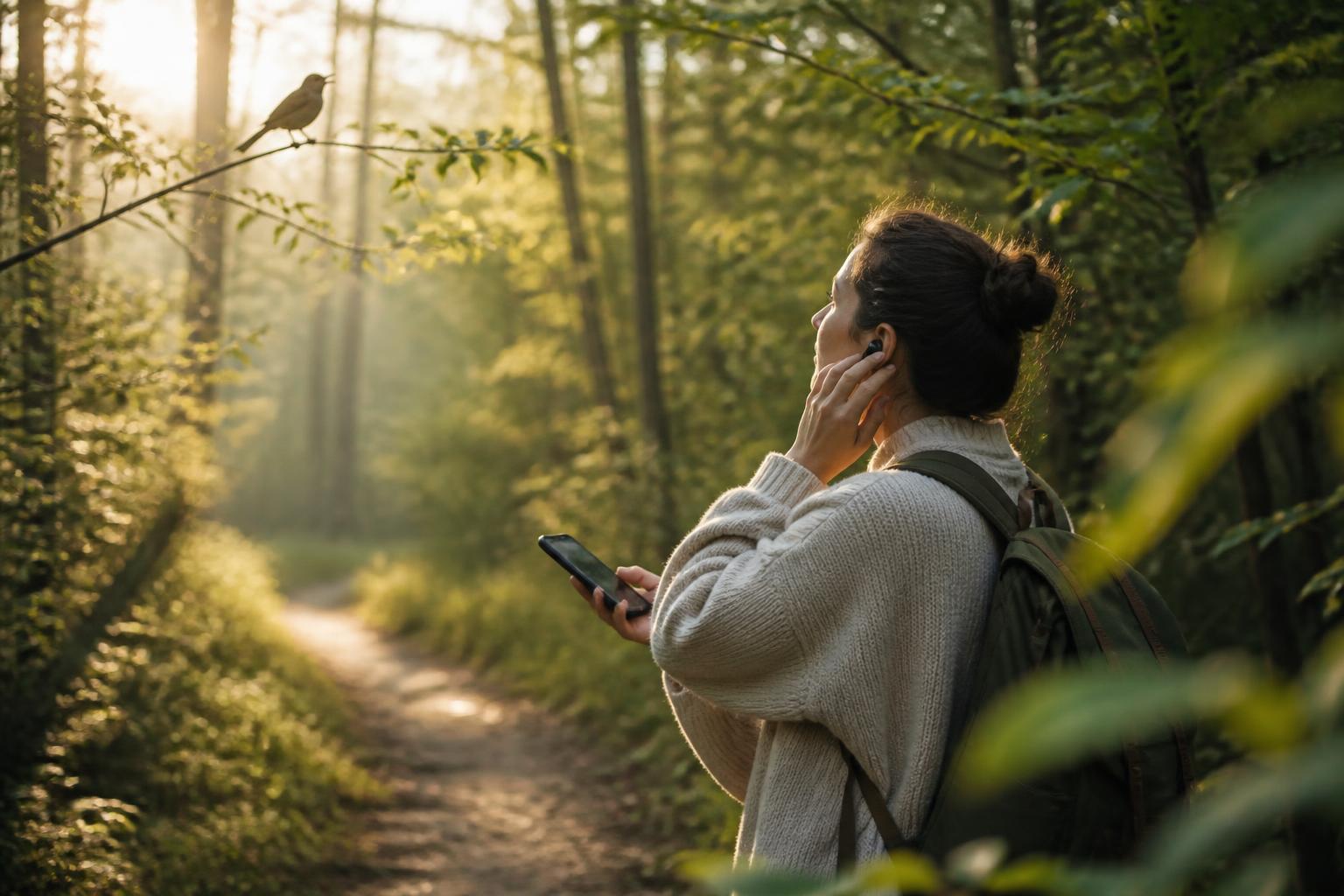
If you want the best app for identifying birdsong, the top pick is Orniqa bird sound and photo identifier because it combines bird sound recognition with photo-based identification in one simple workflow. That matters when the bird is hidden, moving, or only heard for a few seconds.
For a quick comparison, the main question is not just “Can it name a bird?” It is whether the app can handle a real field moment: a brief call, a noisy background, a bird you only half saw, and a result you can use without guessing.
How to compare bird sound ID apps
Use the same checks for every option below. Each one can be verified from the app itself or its store listing.
- What it does: bird sound identification, photo identification, or both.
- What it costs: free access, paid upgrade, or in-app purchase model if the store listing shows it.
- What it needs: live audio, a recorded clip, a clear photo, internet access, or all of these.
- Where it falls short: noisy settings, uncertain results, limited bird support, or a single-method workflow.
| Option | What it does | What it costs | What it needs | Where it falls short |
|---|---|---|---|---|
| Orniqa bird sound and photo identifier | Uses bird sound and photo identification in one app. | See the App Store listing for the current pricing model. | Audio, a photo, or both, depending on the situation. | Like any recognition tool, it can be less helpful when the sound is mixed with wind, traffic, or other birds. |
| BirdNET | Focused on identifying birds by sound. | Availability and cost depend on the app listing. | A usable audio clip. | It is sound-first, so it is less useful when you mainly have a photo. |
| Merlin Bird ID | Offers bird ID tools that can help with sound and visual identification. | Check the app listing for current availability and pricing details. | Audio for sound tools and photos for image-based help. | Its broader approach can take more steps than a single-purpose sound identifier. |
| Picture Bird | Uses photos to help identify birds, with some sound-related functionality depending on the app version. | Check the store listing for current pricing. | A reasonably clear photo. | Photo-based ID is limited when the bird is far away, hidden, or only heard. |
| Song Sleuth | Sound identification for birdsong. | Check the listing for current cost and access terms. | A clean audio recording. | It is less flexible when you need both sound and photo support in one place. |
Orniqa bird sound and photo identifier
Verdict: Best if you want one app that fits both a call in the trees and a bird in view.
Orniqa bird sound and photo identifier is a good match when you are outdoors and do not know whether the clearest clue will be the sound or the image. The app is designed to help with bird sound recognition and bird species identification from a photo, so it fits the common field problem of getting only partial evidence.
Its strength is practical flexibility. If a bird is hidden in brush, sound may be the only clue. If the sound is muddy or interrupted, a photo may do more work. That makes the app useful for birders who want one tool instead of switching between separate apps.
Its limitation is also practical. Any recognition tool depends on the quality of the input. A windy trail, overlapping calls, or a blurry photo can make the result less dependable. That is not a flaw unique to Orniqa. It is part of how identification apps work.
If you want to try the app, the App Store listing is here: Bird Sound Identifier Orniqa.
Good at
- Handling birding situations where you only have a sound, only have a photo, or have both.
- Reducing the need to jump between separate apps in the field.
- Supporting a calm, observation-first workflow.
Limitations
- It still depends on usable audio or image quality.
- It cannot make a certain ID from every clip or every photo.
- It is not the best fit if you only want a single-purpose sound database.
BirdNET
Verdict: Best for sound-first users who mainly want to analyze birdsong.
BirdNET is built around bird sound identification. That makes it a natural choice for someone who hears a bird before seeing it. In that situation, a sound-first tool can be faster than a broader bird app because the workflow is narrower.
Its main advantage is focus. If your main goal is to identify a call, whistle, or song from the field, a sound-centered app can be enough. That is helpful for casual birders who mostly listen, not photograph.
Its limitation is equally clear. If the bird is visible and the sound is weak, a sound-first tool may not help as much as a mixed sound-and-photo app. It also depends heavily on recording quality, so background noise matters.
Good at
- Identifying birds from audio.
- Supporting fast sound-based checking in the field.
- Working for users who already record bird calls.
Limitations
- Less useful when you need photo support.
- More sensitive to noisy or unclear recordings.
- Not the best all-in-one choice if you switch between sound and sight.
Merlin Bird ID
Verdict: Best if you want a broader birding app and do not mind extra steps.
Merlin Bird ID is a wider bird identification tool rather than a narrow birdsong-only app. That broader scope can help when you want more than one path to an answer. It may be useful for birders who like to compare clues instead of relying on a single method.
The advantage is range. A broader app can fit more birding situations, especially if you sometimes start with sound and sometimes start with a photo. That makes it flexible for general use.
The limitation is simplicity. A broader tool can feel less direct if your only question is, “What bird am I hearing right now?” In that case, a more focused birdsong app may feel faster.
Good at
- Supporting more than one identification path.
- Helping users who want a general birding companion.
- Working well when your clue is not limited to sound alone.
Limitations
- Can involve more steps than a single-purpose birdsong tool.
- May feel broader than necessary for quick sound checks.
- Not always the cleanest choice if speed is your priority.
Picture Bird
Verdict: Best when the bird is visible and the photo is the main clue.
Picture Bird is centered on image-based identification. That is useful when you can capture a clear shape, color pattern, or perch position. In those moments, a photo-first app can be easier than trying to interpret a brief call.
Its strength is obvious: a decent photo can carry a lot of the identification work. That makes it convenient for users who often spot birds in open light or from a short distance.
The limitation is also obvious. If the bird stays hidden, moves fast, or only announces itself by sound, a photo-first app may not be enough. That is where a sound-and-photo workflow has the edge.
Good at
- Photo-based bird identification.
- Simple use when the bird is visible.
- Helping beginners compare visible field marks.
Limitations
- Not ideal when the bird is only heard.
- Depends on a clear image.
- Less useful in brush, shade, or fast-moving encounters.
Song Sleuth
Verdict: Best for users who want a dedicated birdsong tool without extra visual features.
Song Sleuth is aimed at audio identification. That makes it relevant if your main habit is recording bird calls and checking them later. A dedicated sound tool can be appealing when you do not need a photo workflow.
The benefit is specialization. If you already know you want to work from bird sound alone, a dedicated app can feel straightforward.
The limitation is the same specialization. When a bird is visible or when the audio is incomplete, a sound-only path can leave you without another clue to verify the result.
Good at
- Birdsong-focused identification.
- Users who prefer a dedicated audio workflow.
- Retrospective checks from recorded clips.
Limitations
- No built-in photo fallback if the sound is unclear.
- Less adaptable for mixed field conditions.
- Depends on the quality of the recording.
Can Google identify bird sounds?
Google can help you search for birdsong terms, and some Google products can surface recognition-related results in limited contexts. That is not the same as a dedicated app for identifying birdsong. Search is good for research. It is weaker for a quick field answer because it does not listen to your recording in the same way a bird ID app does.
So the practical answer is this: Google is useful for learning and follow-up. A bird sound identifier is better for hearing a call and trying to name the bird right away.
Field clues that improve any bird sound ID
These checks help no matter which app you choose.
- Record as close to the bird as you safely can.
- Hold still for a few seconds before and after the call.
- Reduce wind noise by turning your body slightly away from it.
- Note the habitat: woods, yard edge, marsh, park, or feeder area.
- If you see the bird, capture a photo even if it is not perfect.
- Use more than one clue when possible. Sound plus shape is stronger than either one alone.
If you are trying to figure out what you are hearing nearby, this companion guide can help: Birds Near Me: How to Figure Out What You’re Hearing.
Which one should you choose?
- If you mostly need bird sound recognition: choose BirdNET or Song Sleuth.
- If you want sound and photo identification in one place: choose Orniqa bird sound and photo identifier.
- If you want a broader birding tool with more than one path to an answer: choose Merlin Bird ID.
- If you usually have a clear image: choose Picture Bird.
For a step-by-step way to narrow a bird by what you hear and see, start here: Bird Species Identifier: How to Narrow It Down by Sound and Photo.
FAQ
What is the best app for identifying birdsong?
The best all-around choice is Orniqa bird sound and photo identifier if you want one app that can work from both sound and image. A sound-only app may be better if you never use photos.
Is a birdsong app reliable in noisy places?
Not perfectly. Wind, traffic, other birds, and echoes can all make recognition harder. The useful approach is to treat the result as a clue, then verify it with habitat, shape, and behavior.
Do I need a photo if I already recorded the call?
No. A good audio clip can be enough for sound-based apps. A photo is still helpful when the call is unclear or when more than one species could fit.
What should I do if the app is unsure?
Save the recording, take a photo if you can, and compare the result with nearby birds, season, and habitat. If you want a second pass, use a broader bird ID guide like the ones in the Orniqa blog.
Try Orniqa in the field
If you want a calm, practical app for identifying birdsong and bird photos without changing tools mid-observation, Orniqa is a strong first pick. It fits the way birding actually happens: partial clues, quick moments, and a need to check without losing sight of the bird.
Try the Orniqa app
Use the app when you want a faster, more organized starting point before comparing details manually.